 Discord

Welcome to the ROM 90 website
With ROM 90, bring your DOS and ScummVM games together in a single library
Download ROM 90
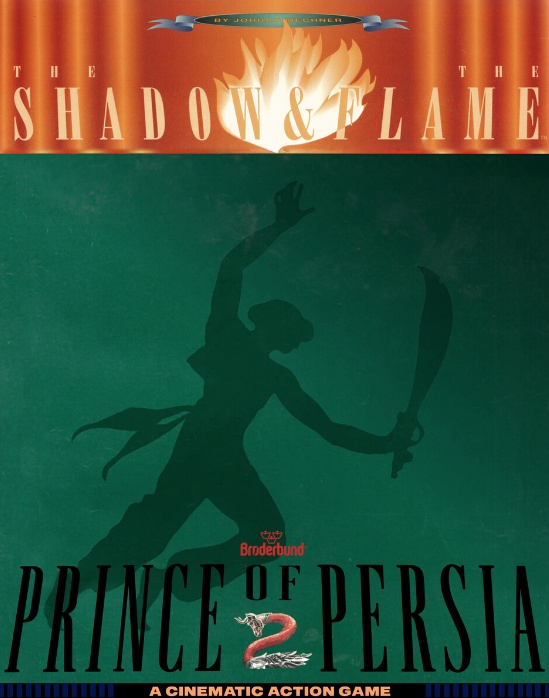
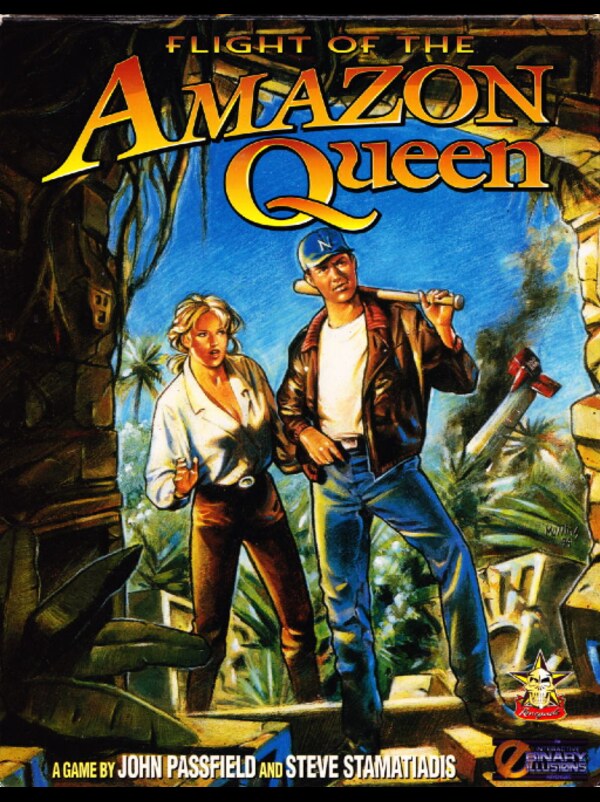
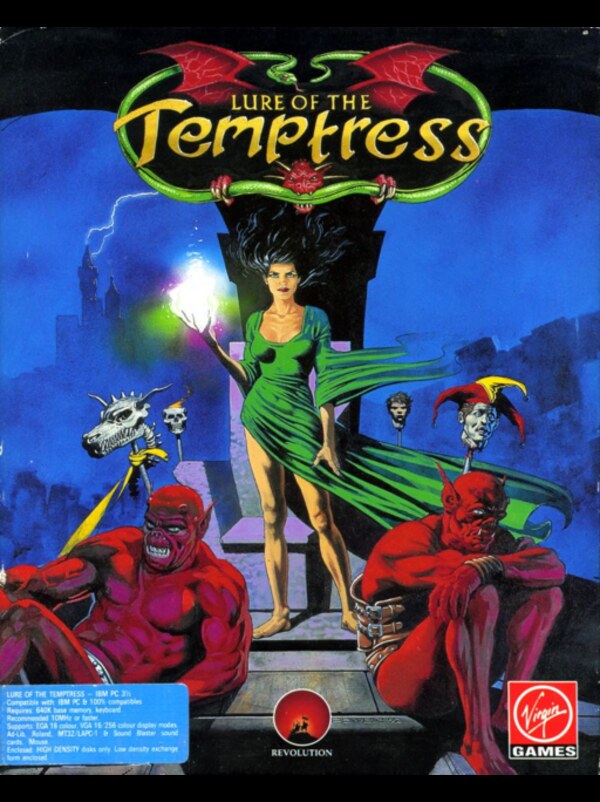
01 — LIBRARY
Your games
Your whole retro collection in a single library.
ADDING A ROM
Add your games in a few clicks
Drop in an archive or point at a folder: ROM 90 digs through the contents, tries DOSBox, switches to ScummVM if needed, then sets the game up on its own.
-
ZIP, RAR, ISO, BIN/CUE, IMG… or a folder
-
ROM 90 finds the right emulator
-
Title recognised, cover art fetched
-
Or a ready-made .r90game pack

Smart ROM import
Built-in play view
A page for every game
.r90game packs
02 — RESUME
Your sessions
Pick up exactly where you left off.
-
DOSBox save states
-
Quick Resume
-
Save thumbnails
-
All from the launcher
03 — CONTROLS
Your controls
Keyboard, mouse, gamepad: remap everything, game by game.
-
Keyboard
-
Mouse and cursor capture
-
Gamepad
-
Per-game profiles
04 — PROFILE
Your profile
A page of your own, on your own machine: avatar, banner, favourites, playtime and collection.
-
Pick an avatar and a banner
-
Playtime and statistics
-
Favourites and recent games
-
100% local profile
-
Your ROMs stay your files
-
Import / export packs
05 — QUESTIONS
Frequently asked questions
Everything we get asked the most, on one page.
What exactly is ROM 90?
A launcher for PC: it brings your DOS games and point & click adventures into a single library, installs and configures the emulators for you, and runs the games from that same window. It doesn’t replace the emulators — it takes care of everything around them.
Is it free?
Yes, completely, and with no account to create. ROM 90 is currently in beta. If you like the project, the “Donate” button supports its development, but nothing is held back without it.
What do I need to run it?
Windows 10 64-bit or later. Nothing else: DOSBox and ScummVM are downloaded and configured automatically by ROM 90 on first launch.
Does ROM 90 provide the games?
No. ROM 90 distributes no commercial games. The built-in catalogue only offers free, libre or demo titles. For everything else you add your own copies, and you remain responsible for what you import.
Which formats can I add?
A ZIP or RAR archive, an ISO, BIN/CUE or IMG disc image, or simply a game folder. ROM 90 extracts the archive, digs out the right folder even when it is nested, tries DOSBox, then ScummVM on the same source, and prepares the game.
What if the detection picks the wrong game?
At the end of the scan, ROM 90 shows the title it recognised and how confident it is. You can correct the name before confirming, which also helps it find the right cover art.
Can I save anywhere in a game?
Yes for DOS games: ROM 90 offers DOSBox save states, with a thumbnail for each save and a “Quick Resume” hub gathering your latest sessions. It all happens from the launcher, without going through the emulator’s own menus.
Can I play with a gamepad?
Yes. Keyboard, mouse and gamepad can all be remapped from ROM 90, including for games that offered no configuration options at the time. Every title keeps its own settings.
Does the mouse stay stuck outside the game window?
No, the cursor is captured inside the game window while you play. Press Esc to release it.
Where are my profile and my games stored?
In a folder on your drive. There is no account, no password and no syncing: avatar, banner, favourites, playtime and library all stay on your machine. Your ROMs don’t move from where you put them.
How do I move my collection to another PC?
Export a configured game as a .r90game pack, then import it on the other machine: it comes back with its configuration. .rom90pack packs let you bundle several at once.
What languages is the interface available in?
Seven: English, French, Spanish, German, Italian, European Portuguese and Brazilian Portuguese.
I found a bug — where do I report it?
On the project’s Discord. ROM 90 can also export a debug log (Settings → LOG): attaching it to your message helps a lot in tracking down the cause.
Not finding your question? Ask it on Discord.